Point of sale
Fast till with cash, card and mobile money, split tenders, gift cards, returns and printable receipts.
New Online store builder with mobile money checkout
Point of sale, inventory, customers, finance and an online store, working from the same catalogue, so what you sell on the shelf is what shoppers see online.
Your online store
Summer collection
Linen shirt
$24.00
Canvas bag
$18.50
Sandals
$32.00
Sun hat
$12.00
Today's sales
$2,340.20
+8.2% on yesterday
Low stock
Linen shirt is down to 3
Payment received
Online order #1042 paid
Illustration with sample figures
Built for
Features
The till, the stockroom and the shop window share one set of products, prices and customers.
Try it freeFast till with cash, card and mobile money, split tenders, gift cards, returns and printable receipts.
Categories, galleries and variants with the right options for clothing, footwear, tech, flowers and more.
Choose a design, preview it, publish it, and take orders paid by EcoCash or OneMoney.
Sales, stock, income, expenses, payroll and management accounts, exported to Excel or PDF.
All in one place
Sales
$6,850
Orders
214
Customers
1,092
Sales this month
By category
Illustration with sample figures
3
Portals: merchant, admin and store builder
2
Mobile money wallets: EcoCash and OneMoney
9
Product classes with their own variant options
PDF + Excel
Exports on every list and report
Operations
Stock per store, transfers, low-stock and expiry alerts, purchase orders and supplier returns.
Customer profiles, quotations, invoices, loyalty-ready records and gift cards at checkout.
Roles and permissions, attendance, leave, shifts and payroll in the same workspace.
Two-step verification, tenant isolation, audit logs and Google sign-in.
How it works
Register with a username or Google and verify your email.
Add your logo, company details and business type. Your dashboard and colours adapt.
Import your catalogue with images and variants, set stock per store.
Take sales at the till and publish your online store when you are ready.
Your brand
Upload your logo and Onesmus suggests brand colours from it, with a shade you can adjust. Receipts, invoices, quotations and your online store carry the same identity.
Browse store designs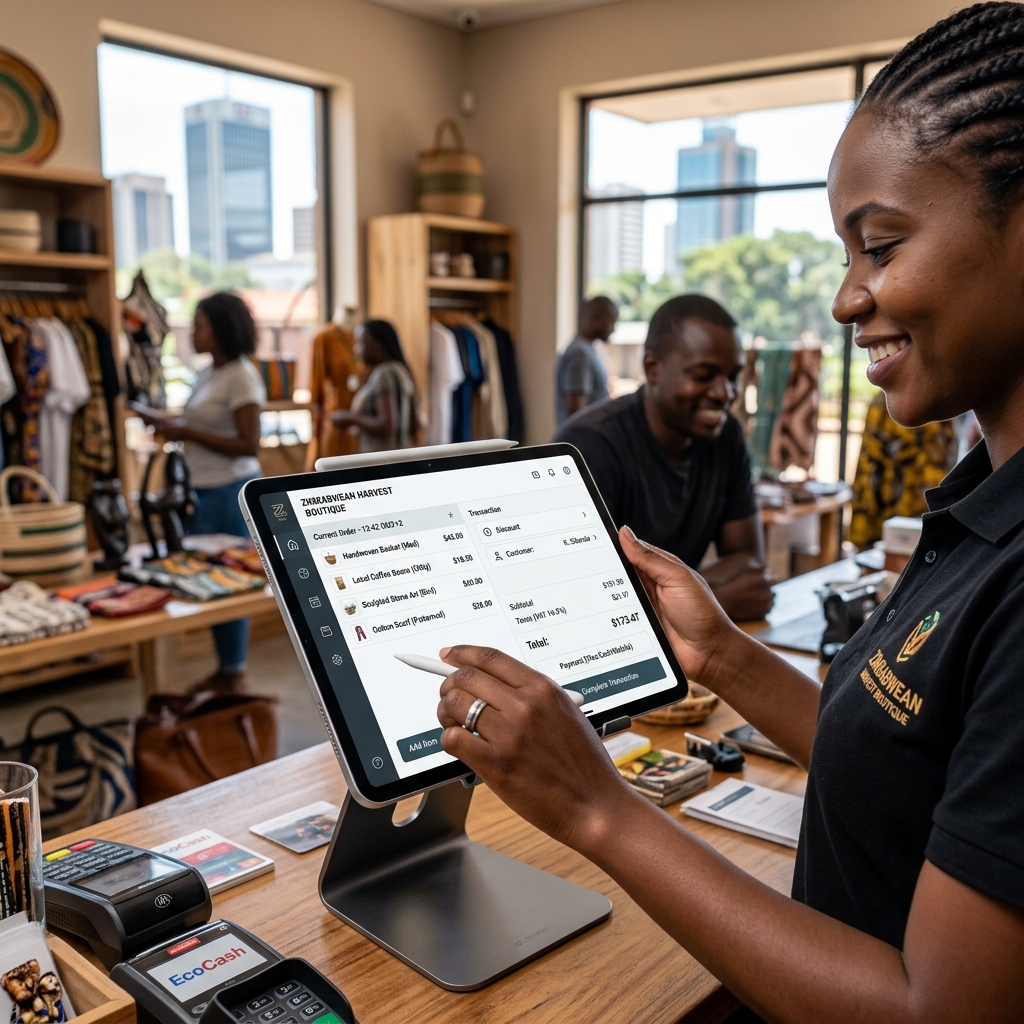
Questions
Yes. Stock, staff and reports can be kept per store under one business account. The number of stores depends on your plan.
Yes. Pick a design in the store builder, preview it and publish it. Shoppers pay with EcoCash or OneMoney through Paynow, which must be configured for your platform.
At the till you can take cash, card and mobile money. Online orders are paid by mobile money and reconciled against your orders automatically.
No. They are management accounts built from the transactions you record. Use a registered accountant for statements required by tax authorities or lenders.
Each business has its own isolated data space. Sign-ins use two-step verification when you turn it on, and sensitive actions are logged.
Create your account, add your products and open your doors.